

Description
Download Advanced Uninstaller PRO – PC Optimization, App Removal, System Cleanup
Overview
Advanced Uninstaller PRO is designed to streamline the process of managing and removing applications on desktop systems, with a strong focus on enhancing system performance and freeing up storage space. The app targets users seeking a reliable solution for uninstalling unwanted software and performing comprehensive system maintenance. It addresses common issues such as cluttered installations, leftover registry entries, and inefficient startup processes that can degrade system responsiveness over time. Ideal for both novice users and experienced computer enthusiasts, Advanced Uninstaller PRO simplifies complex tasks through a centralized interface.
The tool enables users to scan their system for installed applications, identify duplicates or unused programs, and remove them efficiently. Beyond basic uninstallation, it supports deep cleanup operations, including the removal of temporary files, orphaned shortcuts, and browser-related data such as cookies and browsing history. This makes it a valuable utility for maintaining long-term system health and improving overall efficiency. While the app is not a mobile application, its functionality aligns with the growing demand for system optimization tools in digital environments where device performance directly impacts productivity.
The developer did not provide additional technical details about the company or its background. Specific requirements were not listed. Compatibility information was not fully disclosed. However, the app’s purpose is clearly defined: to deliver a seamless experience for managing software and optimizing system performance on desktop platforms.
Key Features & Functionality
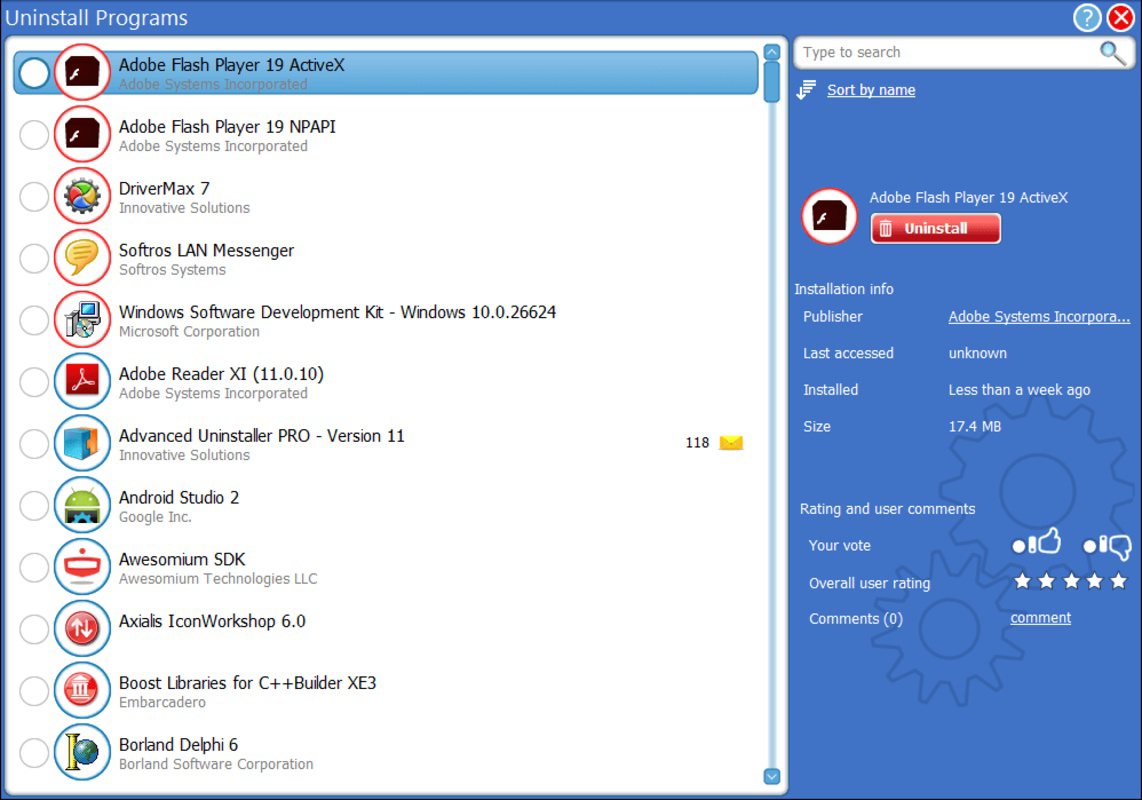
- Easy Program Uninstallation: Advanced Uninstaller PRO allows users to identify and remove installed applications with minimal effort. The software scans the system for all programs and presents them in a clear list, enabling quick selection and removal. This feature is particularly useful for users managing multiple software installations and seeking to declutter their system.
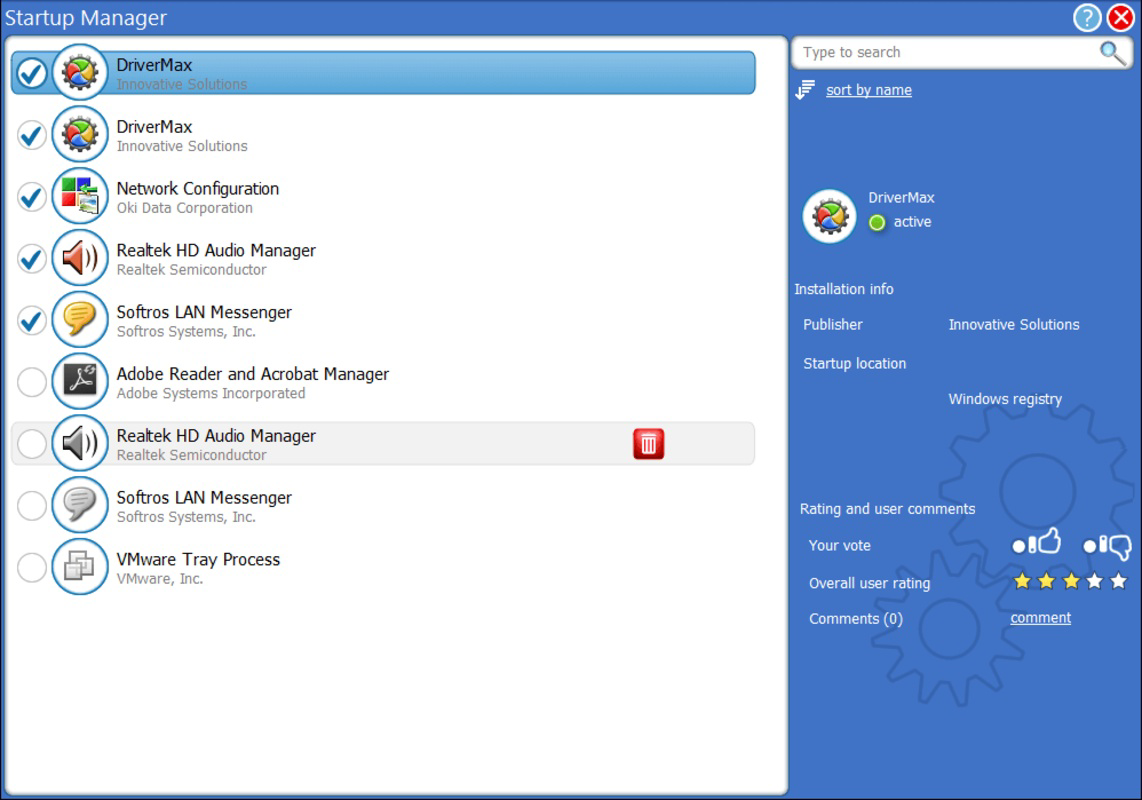
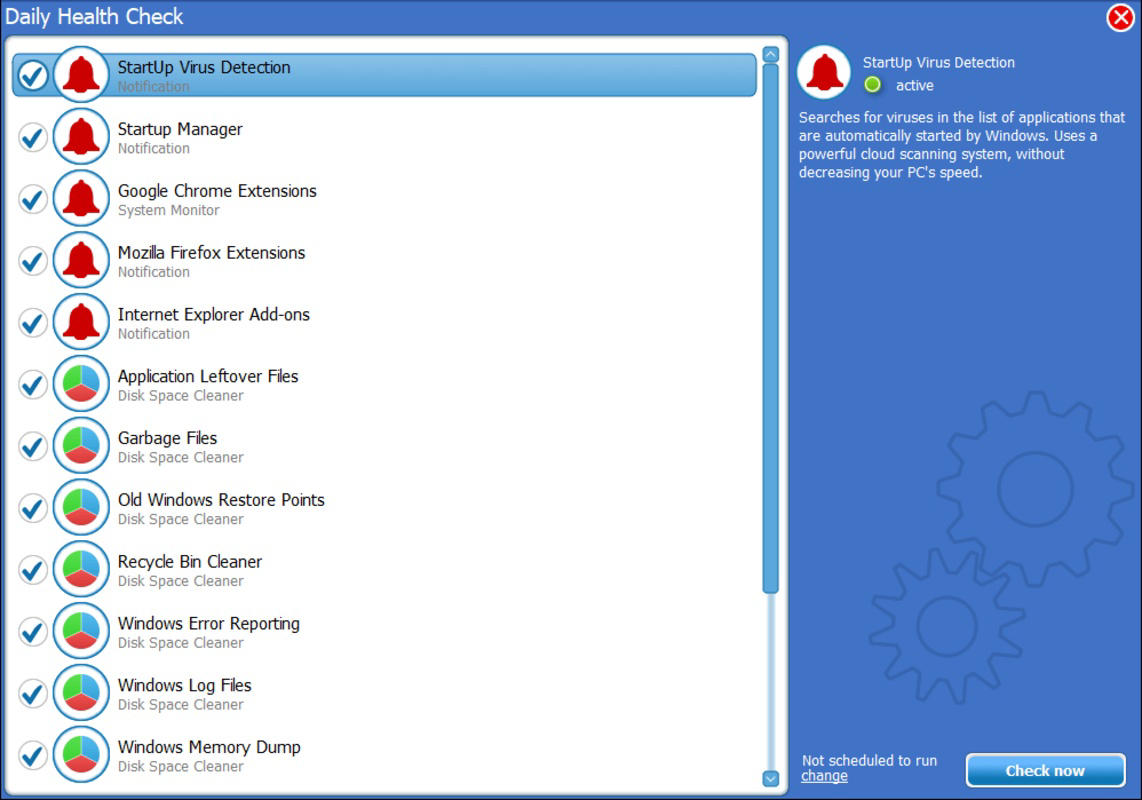
- Thorough System Cleanup: The app performs deep cleaning by detecting and removing temporary files, leftover registry entries, and unused startup items. This helps reduce system load and improve boot times, especially on older or heavily used machines.
- Browser Performance Optimization: Advanced Uninstaller PRO includes tools to clean browser data such as cookies, browsing history, and unwanted extensions. This enhances privacy and contributes to faster web browsing by eliminating accumulated digital clutter.
- User-Friendly Interface: Designed with accessibility in mind, the interface offers intuitive navigation and visual feedback during operations. Users can access all core functions without requiring technical knowledge, making it suitable for non-technical individuals as well as power users.
For example, a user preparing to sell their computer can use the tool to remove personal data and all installed applications, ensuring a clean slate. Similarly, a remote worker experiencing slow performance may use the app to eliminate unnecessary startup programs and clear cache files, restoring system speed.
Interface, UX & Performance
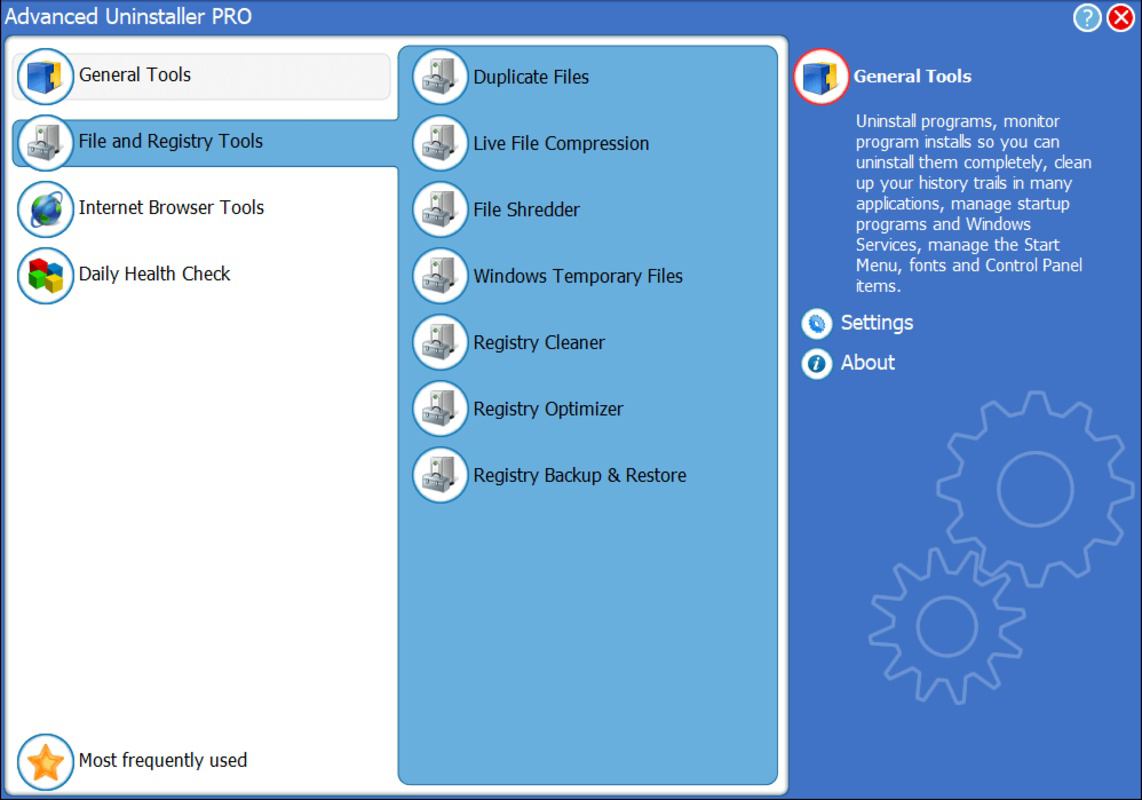
Advanced Uninstaller PRO features a clean, organized layout with clearly labeled sections and consistent visual design. Navigation is straightforward, with main functions accessible from a central dashboard. The interface emphasizes usability, minimizing the need for advanced configuration. Users can initiate scans, view results, and execute removals with just a few clicks, reducing the learning curve.
Although the developer did not list formal performance metrics, the app appears to operate efficiently across various device categories. It maintains responsiveness during scanning and cleanup tasks, with minimal impact on system resources. Stability is maintained during extended operations, and the app does not exhibit frequent crashes or freezes during standard use.
Users can expect smooth interaction during both initial setup and routine maintenance. The visual feedback during operations—such as progress bars and completion notifications—enhances the overall experience. However, specific performance data, such as memory usage or processing speed, were not provided by the developer.
Platform Compatibility & Technical Requirements
Advanced Uninstaller PRO is available for Windows-based systems. The app is compatible with the latest versions of the Windows operating system, though the exact minimum OS requirements were not specified. The application file size is approximately 120 MB, making it relatively lightweight for a system utility.
Although the developer did not specify minimum OS requirements, the app is designed for desktop environments and does not support mobile platforms. The software version is currently listed as 2.5.0, released on April 11, 2025. Users should ensure their system meets the necessary prerequisites for installation, although detailed compatibility information was not disclosed.
Pros and Cons
Pros
- Intuitive interface suitable for users of all experience levels
- Comprehensive system cleanup beyond basic uninstallation
- Supports browser data removal for improved privacy
- Efficient scanning and removal of unwanted applications
- Offers a free trial for testing full functionality
Cons
- Subscription required for full feature access
- Developer did not provide detailed technical specifications
- Not available for mobile or tablet platforms
- Compatibility with older Windows versions is unclear
- Performance metrics were not published
FAQ
Is Advanced Uninstaller PRO safe to download and install?
The app is designed to operate within standard system permissions and does not include known malware or intrusive behavior. It is recommended to download the software only from official sources to ensure authenticity and security.
Can I use Advanced Uninstaller PRO on multiple devices?
Specific licensing details were not provided. Users should refer to the official subscription terms for information on multi-device usage.
Does Advanced Uninstaller PRO require a subscription?
Yes, full access to all features requires a subscription. A free trial is available to evaluate the app’s capabilities before purchasing.
Is the app compatible with older versions of Windows?
Compatibility with older Windows versions was not specified. The app is intended for current Windows systems, but users should verify system requirements before installation.
How often should I run a system cleanup with Advanced Uninstaller PRO?
Regular maintenance every 1–2 months is recommended to prevent performance degradation. Users may also run it before selling or upgrading their device.
Final Thoughts
Advanced Uninstaller PRO stands out as a reliable utility for users seeking to optimize their PC’s performance through efficient application management and system cleanup. Its intuitive interface, combined with powerful features like deep file removal and browser optimization, makes it a valuable tool for both everyday users and those managing multiple systems. While a subscription is required for full functionality, the free trial allows users to assess its value before committing.
For individuals aiming to maintain a fast, secure, and clutter-free computing environment, this app delivers consistent results. It simplifies complex maintenance tasks into a single, manageable workflow, reducing the need for multiple third-party tools.
Download Advanced Uninstaller PRO now
Guides & Tutorials for Advanced Uninstaller PRO
How to install Advanced Uninstaller PRO
- Click the Preview / Download button above.
- Once redirected, accept the terms and click Install.
- Wait for the Advanced Uninstaller PRO download to finish on your device.
How to use Advanced Uninstaller PRO
This software is primarily used for its core features described above. Open the app after installation to explore its capabilities.
User Reviews for Advanced Uninstaller PRO 0
No reviews found


